CMS
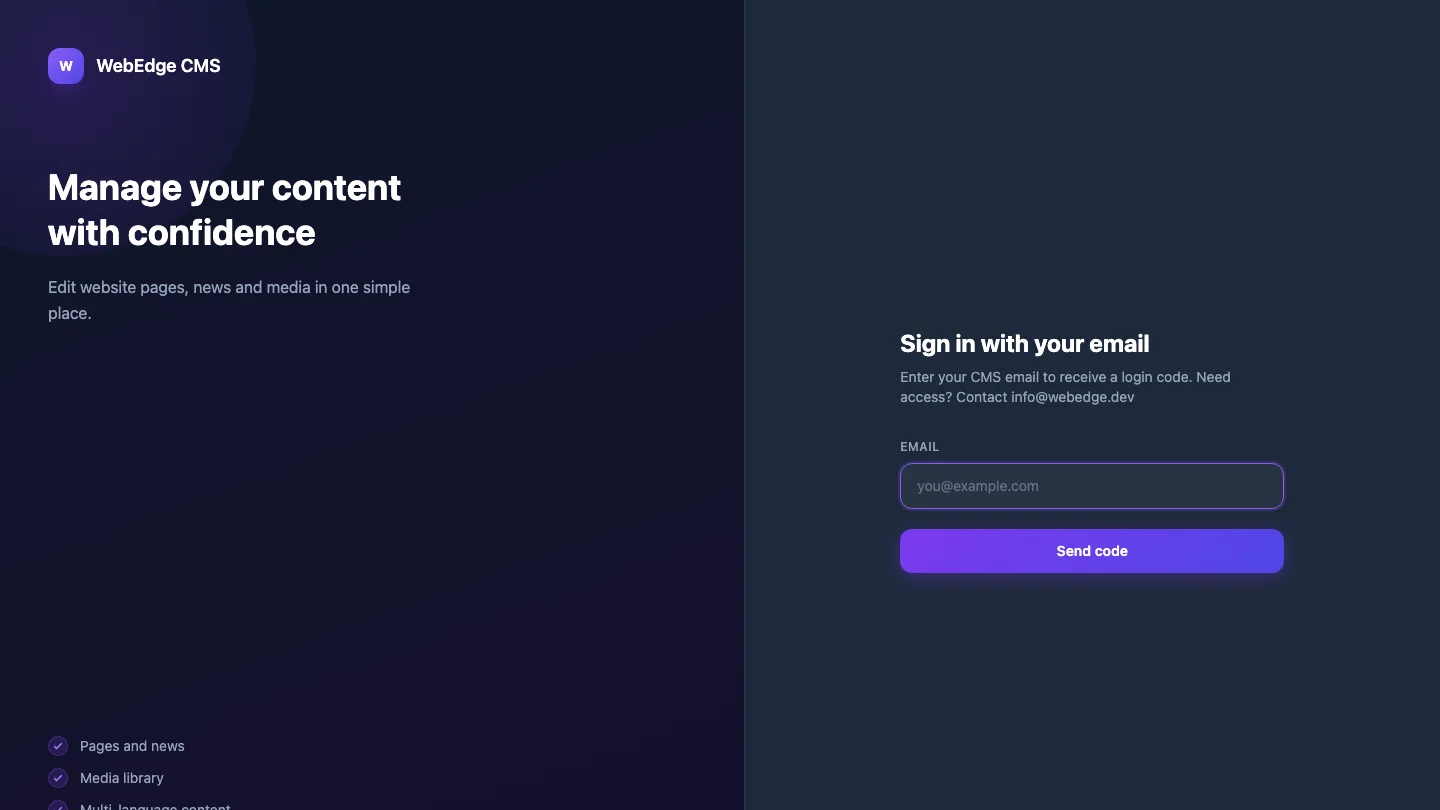
A dynamic headless CMS on webedge-db — content types, media, roles, and the public read API behind our sites and their articles.
 Dev-story
Challenge
Every WebEdge site needed the same editing tools — content types, media, roles — and one API to read published content, instead of a separate database per project.
What we did
A Vue 3 + webedge-db CMS where editors define content types at runtime, upload to a media library and manage roles; webedge-db live queries drive a realtime admin, and a public REST endpoint serves published entries.
Result
This portfolio and the other WebEdge sites read their content from this single CMS through its public API.
Dev-story article
CMS: how the project was built
Every WebEdge site needed the same editing tools — content types, a media library, roles — and one API to read published content, instead of a separate database per project. But it turned into more than storage: it became the place the public marketing content actually lives.
Sections
05
Modules
04
Stack
Vue 3 + TypeScript
Why the project exists
Every WebEdge site needed the same editing tools — content types, media, roles — and one API to read published content, instead of a separate database per project.
Every WebEdge site needed the same editing tools — content types, a media library, roles — and one API to read published content, instead of a separate database per project. But it turned into more than storage: it became the place the public marketing content actually lives.
What was built
A Vue 3 + webedge-db CMS where editors define content types at runtime, upload to a media library and manage roles; webedge-db live queries drive a realtime admin, and a public REST endpoint serves published entries.
A headless CMS on our own reactive backend where editors define content types at runtime, upload to a media library and manage roles; live queries drive a realtime admin, and a public read API serves published entries. On top of that, it holds the real content this site runs on — the project catalog as article seeds, marketing and AI-topic articles, SEO hubs with internal links, and the forum-first public descriptions for the ePokalbis community.
Main modules and user path
Content types are defined at runtime, so a new kind of content is added in the editor rather than in a migration.
The public read API is the contract: this portfolio and other WebEdge sites pull their content — projects, articles, pages — from this single CMS, tested to keep the projects API stable.
It doubles as the marketing surface: project entries become article seeds, and SEO hubs with internal article links are managed here rather than hardcoded per page.
It is a content source for more than one site: the ePokalbis community, for example, pulls its forum-first public descriptions from here, verified by tests that assert no banned marketing phrases slip in.
Architecture and technology decisions
Built with Vue 3, TypeScript, webedge-db.
A Vue 3 admin on our own reactive backend; runtime content types, a media library and roles; live queries for a realtime editor; a public read API with regression tests; seed data for the project catalog and articles.
Result and lessons
This portfolio and the other WebEdge sites read their content from this single CMS through its public API.
One place to manage everything public: editors change content and the sites rebuild from it, so new pages, projects and articles are added through typed content instead of a separate publishing system.
Related articles
Read next
Related project stories
These projects share nearby technical or product decisions, so they show how the same principle behaves in another context.
 Dev-story
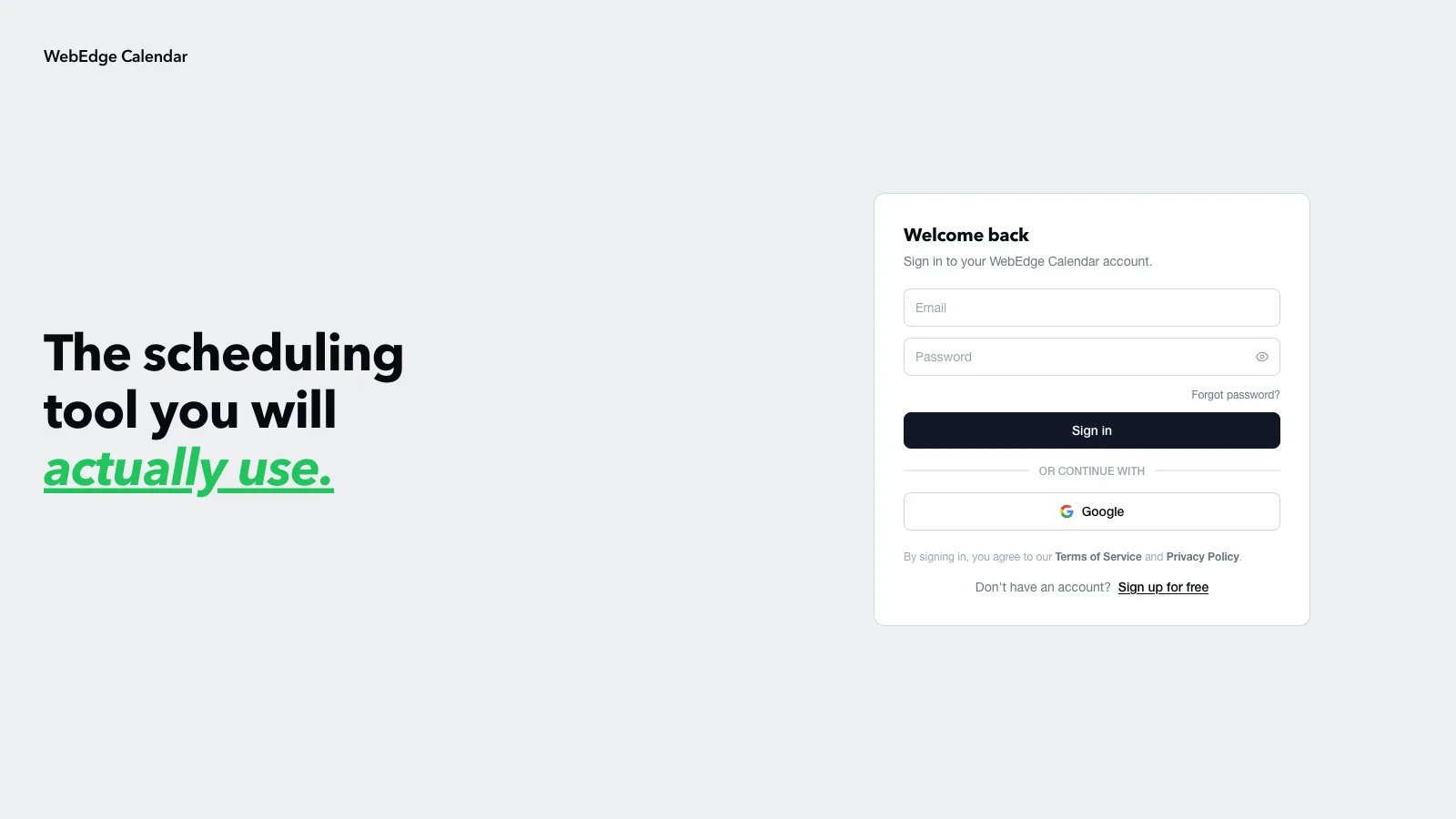
Calendar booking platform
Scheduling on Vue 3 — availability, bookings, confirmations and one-click Meet video links.
 Dev-story
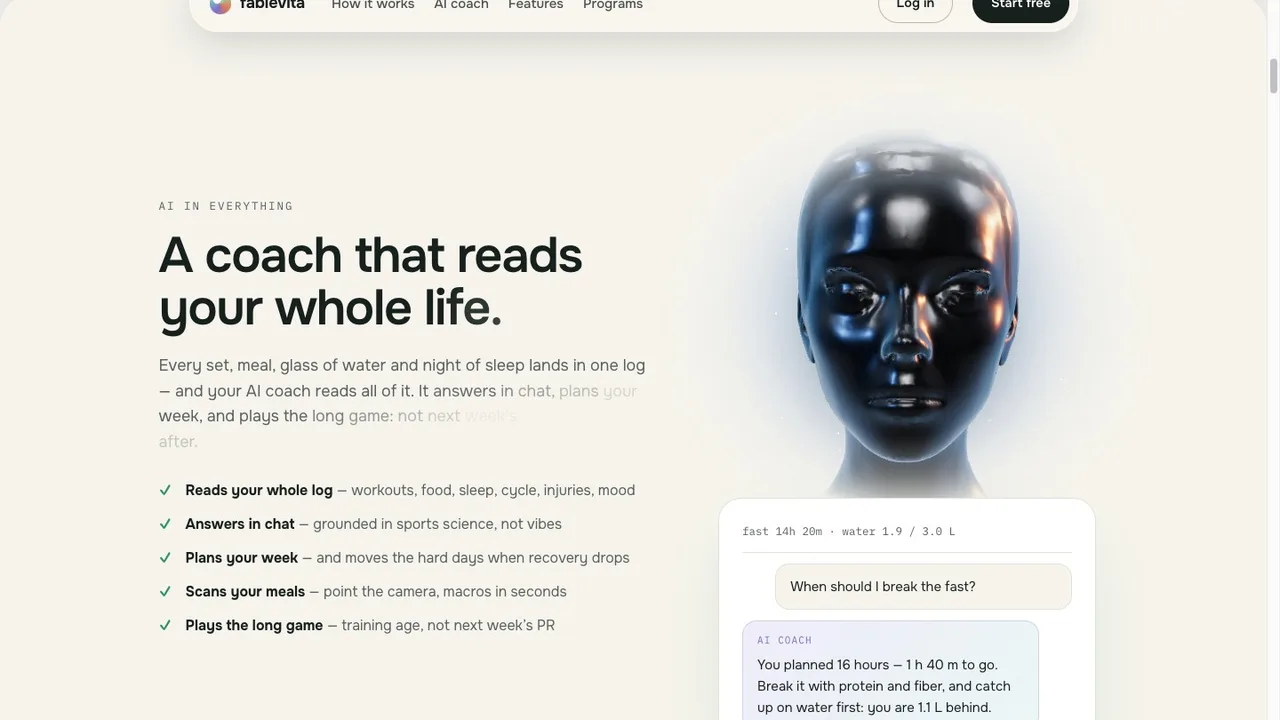
FableVita
FableVita — an AI fitness coach with leagues, quests and a fraud-safe rewards economy.
 Dev-story
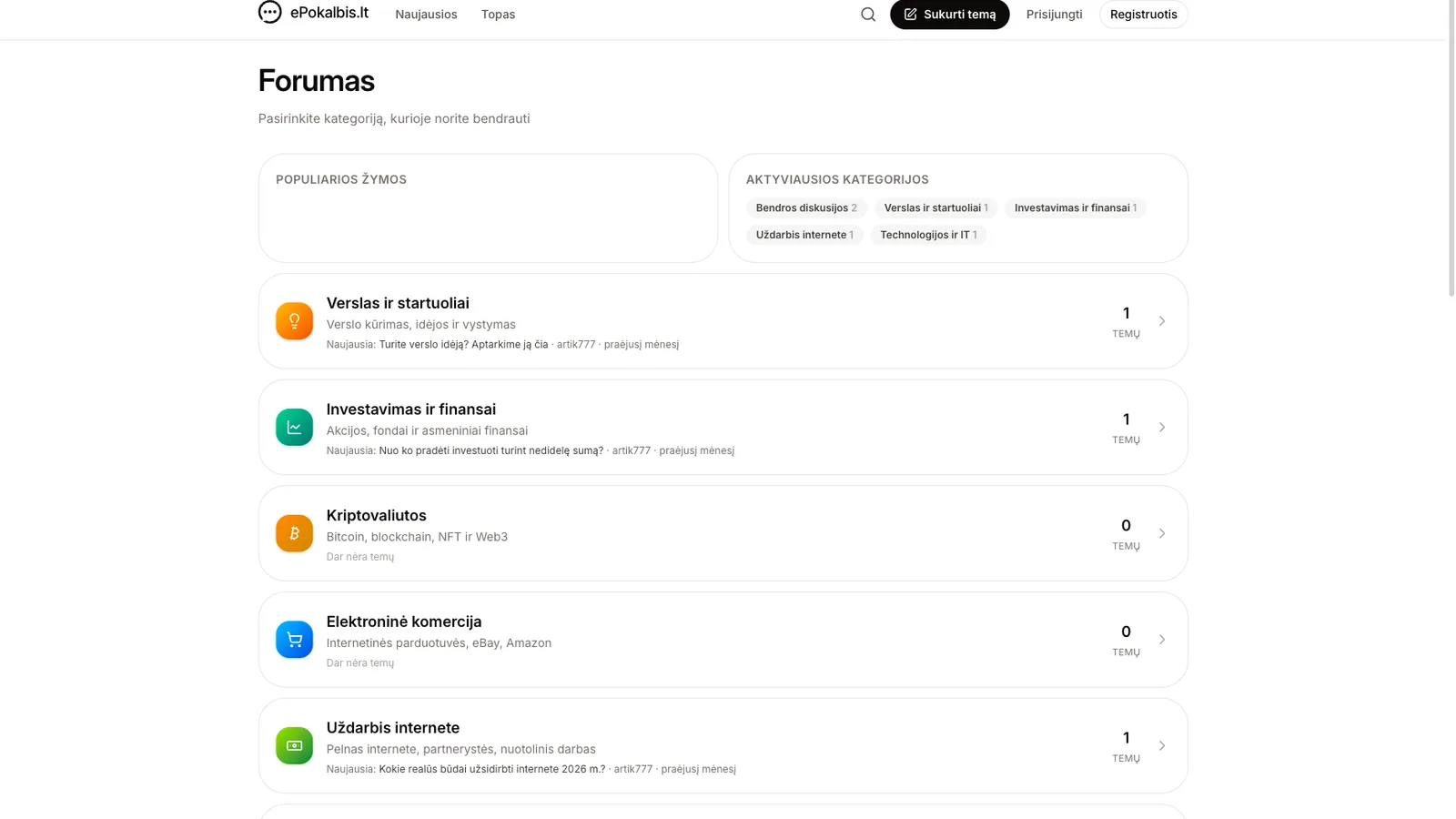
ePokalbis community forum
The public community forum for ePokalbis, built on webedge-db.
Have a similar idea?
Discuss your project